
Best podcast editing software: free and paid tools compared
{{ dek }}

- {{ point }}
Podcast editing software choice matters less than most gear guides suggest. The tools mostly compete on workflow speed and convenience, not on whether the final episode sounds good, since that comes down to editing decisions a person makes, not which application is open.
The best podcast editing software, and what each is good for
Descript edits audio and video by editing a text transcript, which makes cutting and reordering fast and approachable, particularly for editors who find timeline-based editing unintuitive. It's a strong all-in-one option for solo creators and small teams.
Adobe Audition is a traditional timeline-based audio editor with deep control over levels, noise reduction, and mixing. It suits editors who want precision over speed and are comfortable with a steeper learning curve.
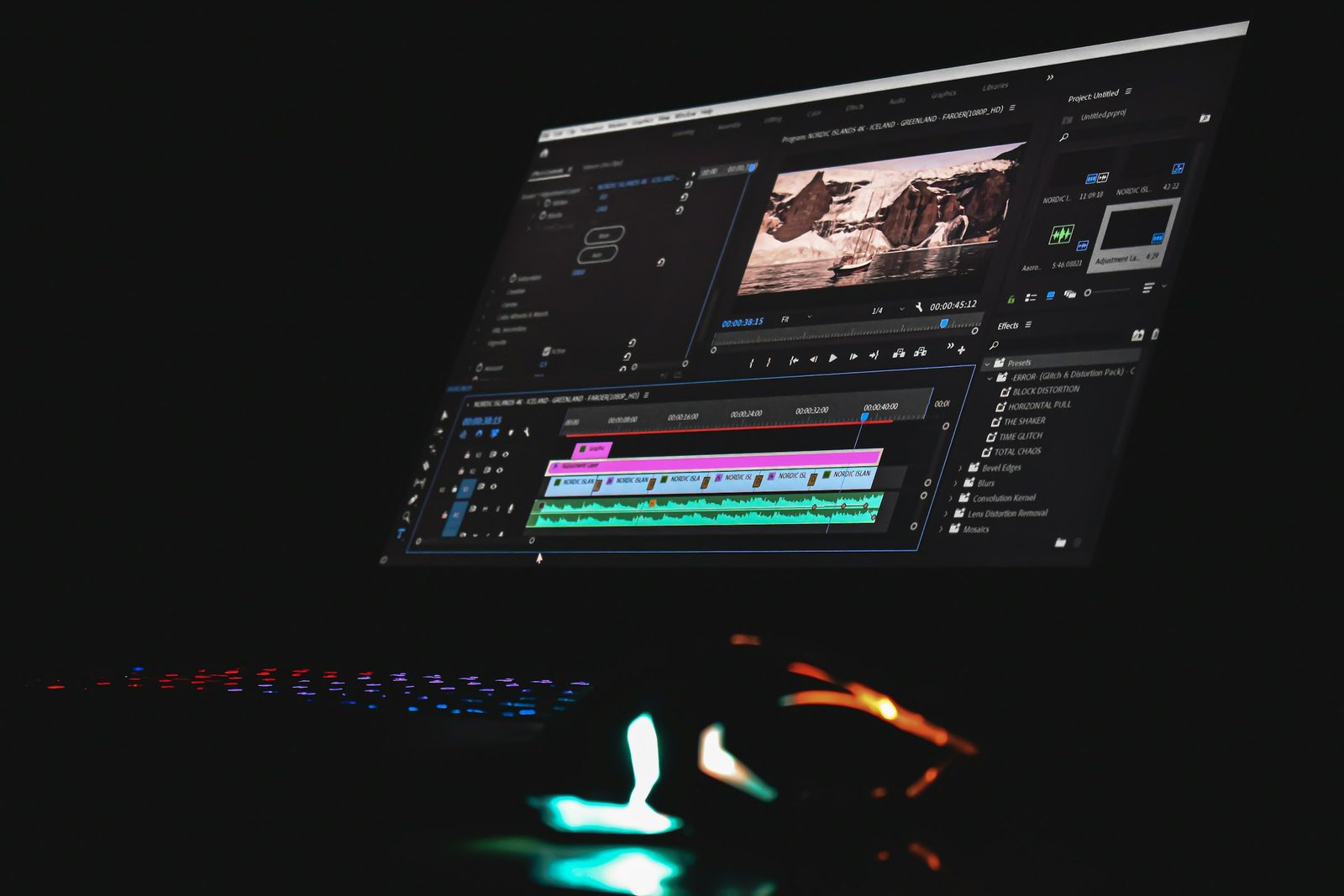
Adobe Premiere Pro is the video-editing equivalent, standard for video podcasts that need cutaways, angle changes, and visual pacing alongside the audio edit. For the camera and lighting side, see how to start a video podcast.
Auphonic automates levelling and loudness normalisation specifically, often used alongside one of the above rather than as a standalone editor.
Free tools, GarageBand, Audacity, and similar, handle basic technical cleanup competently: cutting silence, levelling, noise reduction. They're a reasonable starting point before a show's workflow justifies a paid tool.
| Software | Best for | Editing style | Video | Free or paid |
|---|---|---|---|---|
| Descript | Fast cuts and reorders by editing the transcript | Text-based | Yes | Paid plans |
| Adobe Audition | Precise control over levels, noise and mixing | Timeline | Audio only | Paid |
| Adobe Premiere Pro | Video podcasts with cutaways and angle changes | Timeline | Yes | Paid |
| Auphonic | Automated levelling and loudness, alongside an editor | Automated | Audio only | Paid plans |
| Audacity | Basic clean-up on any computer | Timeline | No | Free |
| GarageBand | Basic clean-up on a Mac | Timeline | No | Free (Mac) |
Free vs paid podcast editing software: what you give up
Free tools rarely limit what's technically possible, cutting, levelling, basic noise reduction all work fine. What paid tools add is speed: better automation, faster workflows, and features like Descript's transcript-based editing that meaningfully cut editing time once volume increases. For a single episode a month, free tools are enough. For a weekly show, the time saved by a faster workflow starts to outweigh the subscription cost fairly quickly.
- Cutting silence and mistakes
- Levelling volume
- Basic noise reduction
- Exporting a finished file
- Faster workflow and automation
- Editing by transcript
- Multitrack video editing
- Built-in loudness and noise tools
AI features are speeding all of this up, but they still work best on clean source audio. See how to record a podcast for setting that up, and how to use AI to make podcast clips for where AI helps and where it falls short.
What software can't do for you
No software decides which fifteen minutes of a ninety-minute conversation deserve to lead, or when a tangent is actually the best part of the episode. That judgment is what separates two technically identical edits that perform completely differently. See how to edit a podcast for the structural decisions that actually drive retention, decisions no editing software makes on its own. If that judgment is the part you’d rather hand over, that’s what our podcast editing services are for. Weighing up outside help? Compare a podcast agency vs a freelance editor, or see what to look for in the best podcast production companies.
How to choose podcast editing software for your workflow
Match the tool to how you actually think about editing, not to what's popular. An editor who thinks in terms of what's said, cutting a sentence, moving a story, tends to prefer Descript's transcript-based approach. An editor who thinks in terms of waveforms and precise timing tends to prefer a traditional timeline editor like Audition. Video podcasts need a video-capable tool, Premiere Pro or Descript's video features, regardless of which philosophy fits.
| If you… | Start with |
|---|---|
| Think in words: cutting sentences, moving stories | Descript |
| Want precise control over how it sounds | Adobe Audition |
| Edit a multi-camera video podcast | Adobe Premiere Pro |
| Want levels and loudness handled automatically | Auphonic, alongside your editor |
| Are starting out with no budget | Audacity, or GarageBand on a Mac |
Common software mistakes
- Switching tools constantly looking for a faster workflow. The learning curve cost of switching usually outweighs the marginal speed gain of a "better" tool.
- Assuming a paid tool will fix a structural editing problem. Software speeds up execution. It doesn't make the pacing and hook decisions that actually drive retention.
- Over-relying on automated levelling without a final listen. Automated tools like Auphonic handle the average case well and occasionally get a specific moment wrong; a final pass catches it.
- Choosing video software without a video workflow plan. Premiere Pro's power is wasted, and its complexity becomes a pure cost, without cutaways, angle changes, and a real visual pacing plan behind it.
FAQ
What's the best free podcast editing software?
Audacity and GarageBand both handle technical cleanup, cutting silence, levelling, basic noise reduction, competently at no cost. Neither offers Descript's transcript-based editing or Premiere Pro's video capabilities, but for straightforward audio editing they cover the basics well.
What is the best podcast editing software for beginners?
Descript is usually the easiest to learn, because you edit the transcript instead of a timeline. If you’d rather not pay while you learn, Audacity or GarageBand on a Mac cover the basics.
Is there AI podcast editing software?
Yes. Descript uses AI for transcription and quick fixes like removing filler words, and Auphonic automates levelling and loudness. They speed up clean-up, but they don’t decide which moments should lead the episode.
Is Descript worth paying for?
For many solo creators and small teams, yes. Editing by cutting a text transcript is faster and more approachable than timeline-based editing for a lot of people, and it handles both audio and basic video editing in one tool.
Do I need Adobe Premiere Pro for a video podcast?
Not necessarily. Descript's video editing features cover many video podcast workflows, particularly for shows without heavy multi-camera work. Premiere Pro tends to matter more once a show needs precise multi-camera editing, complex effects, or a workflow that integrates with other Adobe tools.
Does more expensive software produce better-sounding episodes?
Not directly. Software affects workflow speed and convenience far more than final audio quality. A well-edited episode from free software will outperform a poorly-edited one from expensive software every time.
Can I switch podcast editing software partway through a show's run?
Yes, though it costs some ramp-up time relearning a new workflow. Most shows are better served picking a reasonable tool early and sticking with it rather than switching repeatedly chasing marginal improvements.
What software handles automated noise reduction and levelling best?
Auphonic is built specifically for automated levelling and loudness normalisation and is commonly used alongside a primary editor like Descript or Audition rather than as a standalone tool.
Should I choose software based on what a podcast editing service uses?
Not necessarily. If you're editing yourself, choose based on your own workflow. If you're evaluating whether to hire out editing instead of choosing software, see podcast agency vs freelance editor and podcast production companies for what actually matters in that decision.